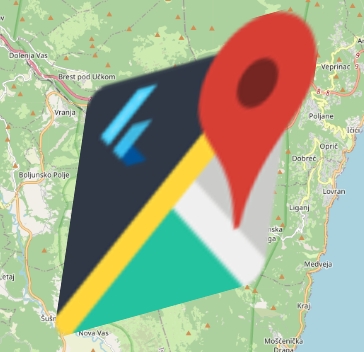
You can overlay images on the map (for example, town or floor plans) using OverlayImageLayer and OverlayImages or RotatedOverlayImages.
RotatedOverlayImageOverlayImageLayer(
overlayImages: [
OverlayImage( // Unrotated
bounds: LatLngBounds(
LatLng(45.3367881884556, 14.159452282322459),
LatLng(45.264129635422826, 14.252585831779033),
),
imageProvider: NetworkImage(),
),
],
),There have been issues in the past where these images failed to appear properly, sometimes not showing up at all, sometimes showing up malformed or corrupted.
If this issue occurs to you, and you're using Impeller, try disabling Impeller at launch/build time to see if the issue rectifies itself. If it does, this is an Impeller issue, and should be reported to the Flutter team.
RotatedOverlayImage supports rotation and parallelogram skewing, by accepting 3 points instead of 2.
To calculate a rotation without skewing, given a center and a 3rd corner, see .